
How I Built a QR Code Inventory for a Client's Storage Totes
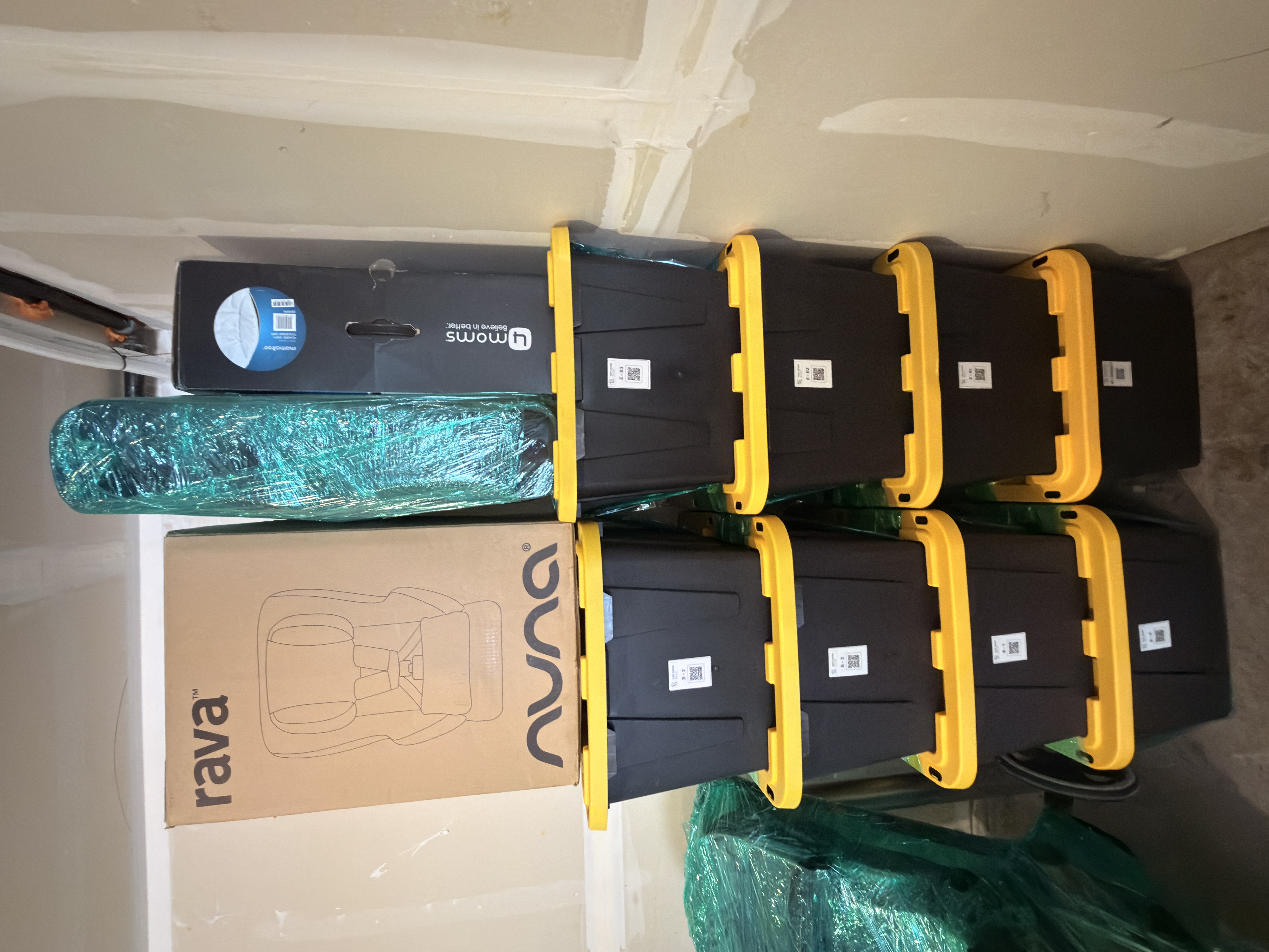
My client is relocating temporarily for work and plans to rent out her house while she's away. Her belongings aren't coming with her — they're staying behind, packed into totes and stored in the garage. That setup created two problems at once. She needed to remember what was in each box months from now, and she needed the people living in her house to have no idea what she'd left behind. This week we finished a labeling system that solves both — without writing a single word on a single box.
The Problem with Writing on the Box
The obvious fix is a Sharpie: "Kitchen — pots and pans." But descriptive labels have a real downside — and for my client it was the whole reason we changed approach. Strangers would be living in her house. The garage would be right there. If every tote announced its contents, her renters would know exactly what she owned, where it was, and roughly what it was worth. Holiday décor, baby gear, sentimental keepsakes, electronics — all of it on display to people she'd never met.
We wanted the convenience of labeling without the exposure. So we gave every container a code instead of a description.
The System: Codes, Not Words
Each tote got a short numeric label — T-01, T-02, T-03 — printed on a small white sticker with a QR code. The code links to a private record in the Tidy Sense inventory app that lists what's actually inside, where it's stored, and a photo. The sticker itself reveals nothing.
- On the box: just a code and a QR code.
- In the app: the full contents, location, notes, and photos.
- Who can see it: only the owner and family she chooses to share with.
A stranger scanning the QR code hits a login wall. The owner scans the same code and sees everything instantly. For my client, that meant her renters could stare at a wall of totes in her garage and learn absolutely nothing about what she'd left behind — while she, from across the country, could pull up any box's contents on her phone in seconds.
The Process, Step by Step
1. Sort and consolidate first. Before any label touches a tote, we group like with like and purge what's no longer needed. Labeling junk just makes organized junk.
2. Create the boxes in the app. For each tote, I add a record — label, contents, and the shelf or zone where it lives. The app generates the matching QR code.
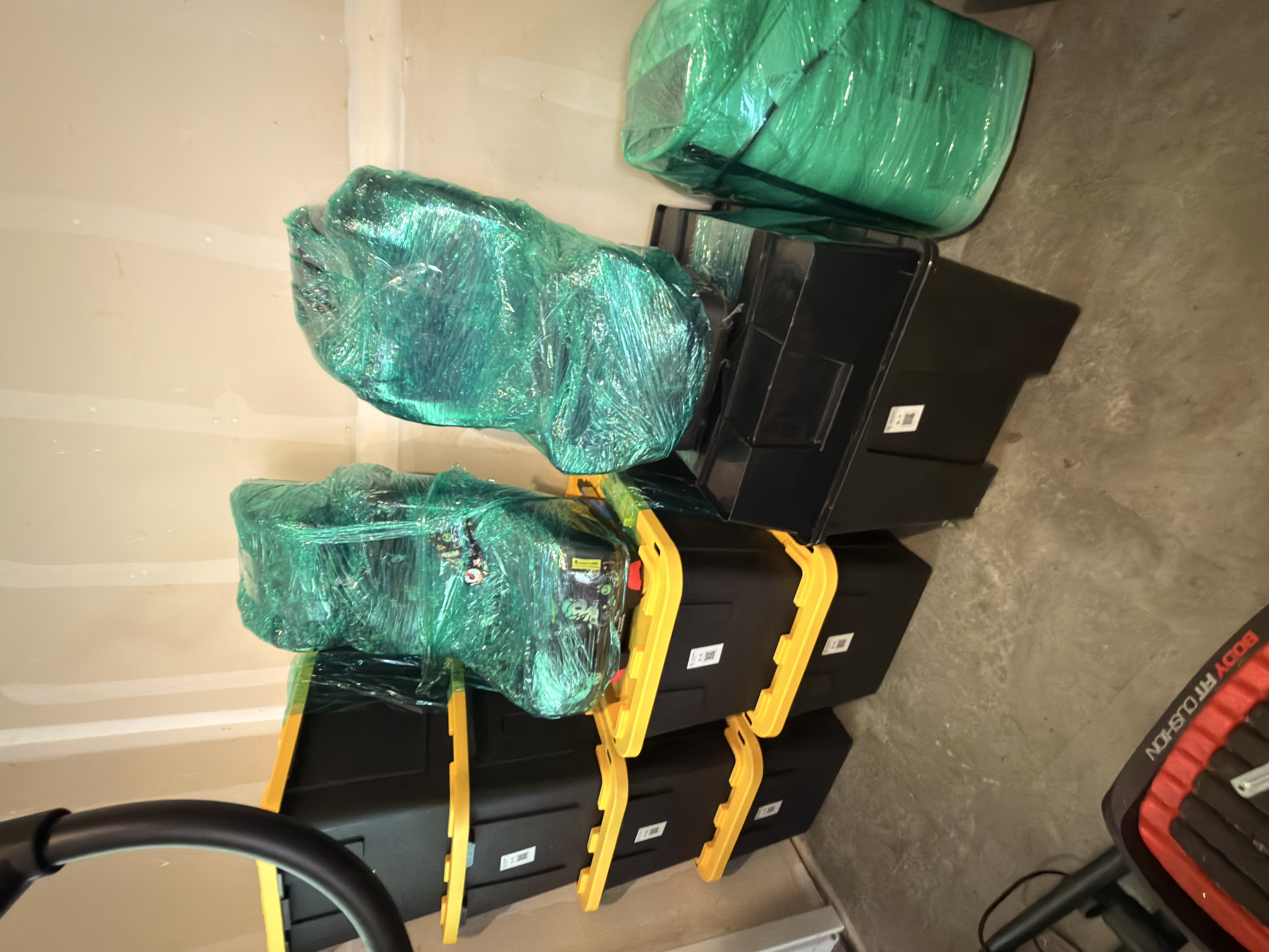
3. Print the labels. I print QR stickers on a standard sheet and apply one to each tote, placing them on the front face so they're easy to scan without unstacking.
4. Apply and stack. The labels go on the front of each container, not the lid, so you can scan a stack without lifting anything off the top. For totes stored in less-visible spots, a second sticker goes on the inside of the lid as a backup.
What About the Awkward Stuff?
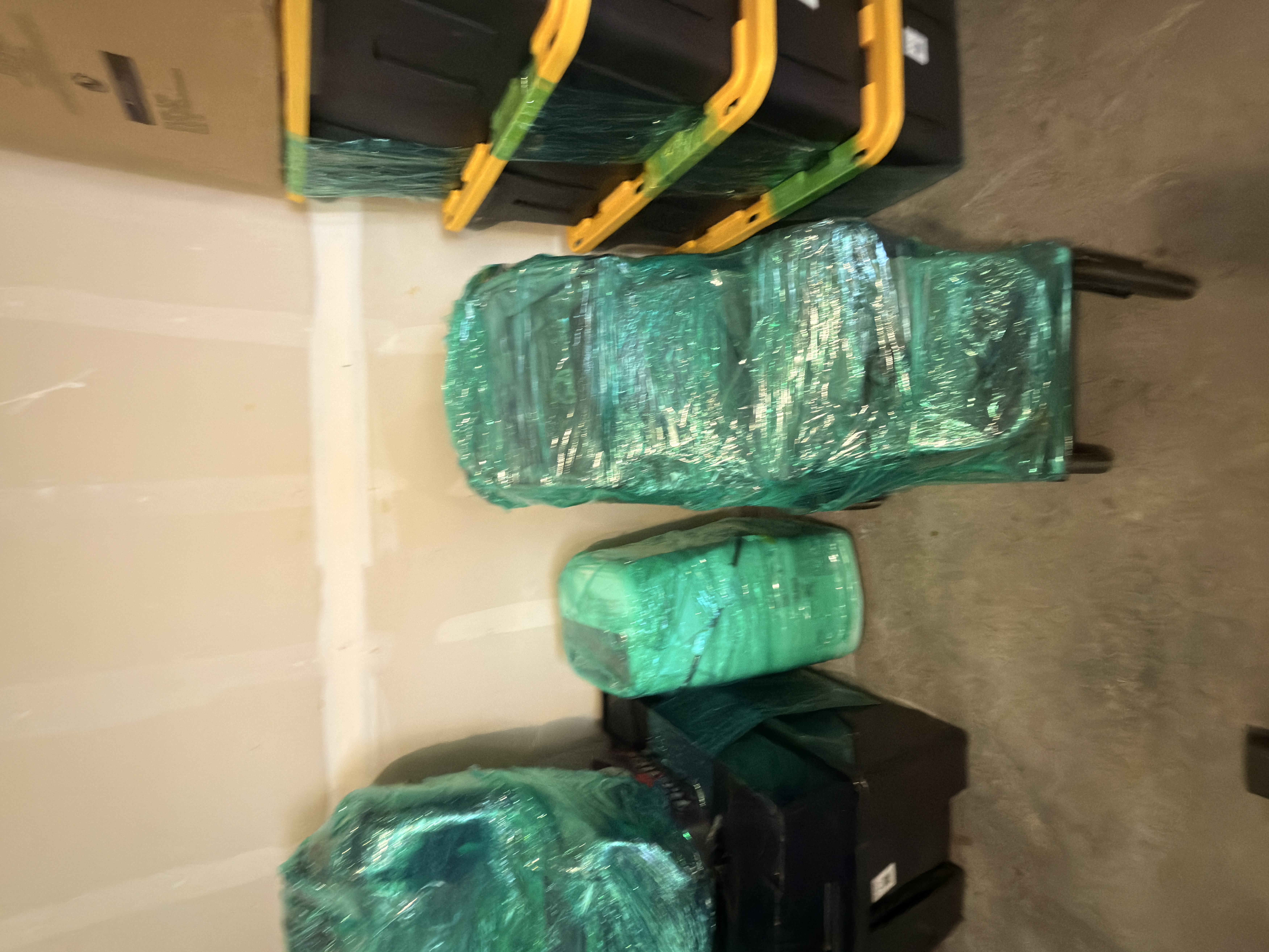
Not everything fits in a tote. This client had car seats and bulky baby gear that couldn't be boxed. We stretch-wrapped those items to keep them clean in storage and assigned each wrapped bundle its own code in the app, the same way we did for the totes. Now the wrapped car seat in the corner isn't a mystery — it's a scanned entry with a photo and a note.
Why This Works
The system solves three problems at once. It ends the guessing game of "which box is it in" — invaluable when you're miles away and can't rummage. It keeps the client's belongings private from anyone who happens to see the storage area, including the renters now living in her home. And because the inventory lives in an app the client owns, she can share view-only access with her husband or a trusted family member back in town — so someone local can pull a specific tote for her without opening every box.
The best organizing systems don't just tidy a space; they remove the mental load of remembering it. A wall of identical totes in a rented-out garage could have been a constant worry — what are the renters seeing, what's at risk, where did I put the birth photos? Instead it's a wall of codes: quiet, private, and completely accounted for. My client can hand over the keys knowing her belongings are both safe and findable, and her renters will never know what's behind those yellow lids.